
Private files through a local boundary
Spaces and Memory stay on this computer. Remote MCP does not get them.
runtime · today · How do I use MCP locally without sending private context to the cloud?
Local MCP on TARX_OS is the default for private context: Spaces, files, Memory, tool calls that need local approval. Remote MCP is public-safe tools only. Status: pilot-ready. Compatible clients discover approved TARX tools through a boundary. Private context stays on this computer unless you approve a route.
Compatible clients discover approved TARX tools through a boundary. Private context stays on this computer unless you approve a route.
TARX works privately on your computer. Connections stay off until you allow them.
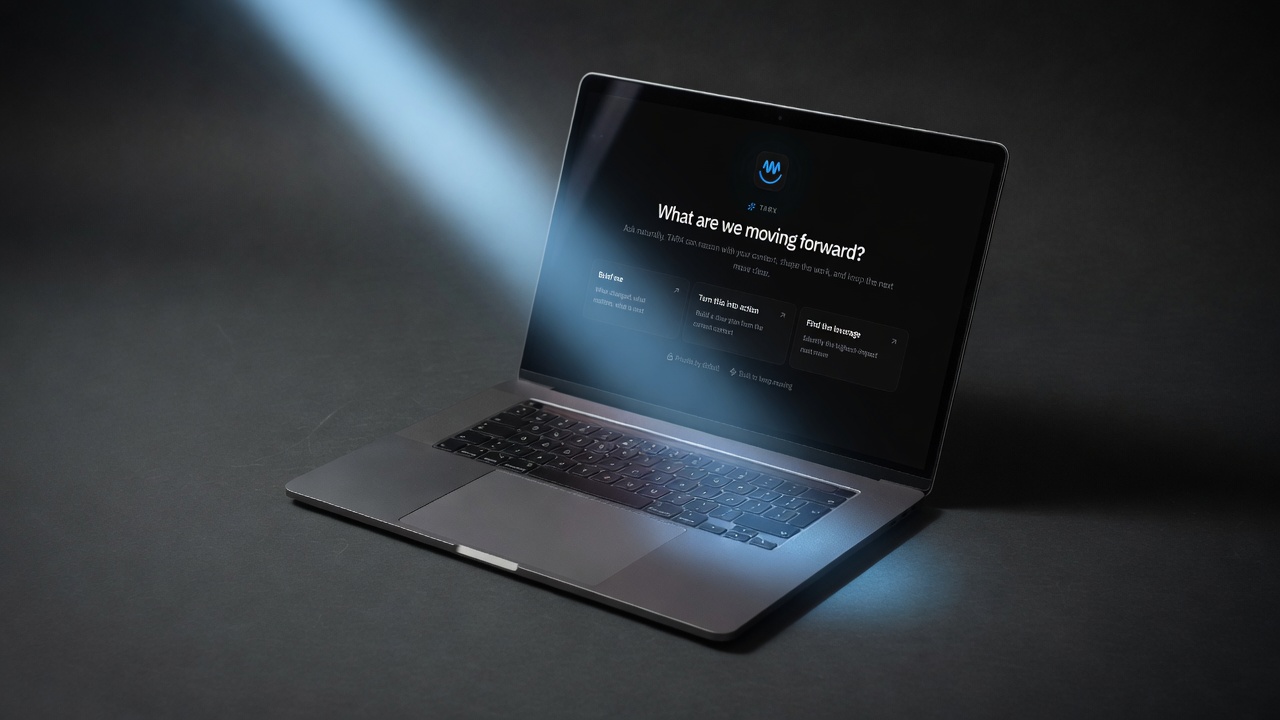
MCP is a boundary, not a personality. Local: run on the same computer as TARX_OS. Remote: public-safe tools only. The mistake is stuffing private files into a remote server and calling it local-first.
Skills package reusable behavior for TARX-compatible tools and clients. Status skills are available now. Memory, Spaces, and Delegation are pilot-ready. They are gated. A Skill cannot browse the web silently.
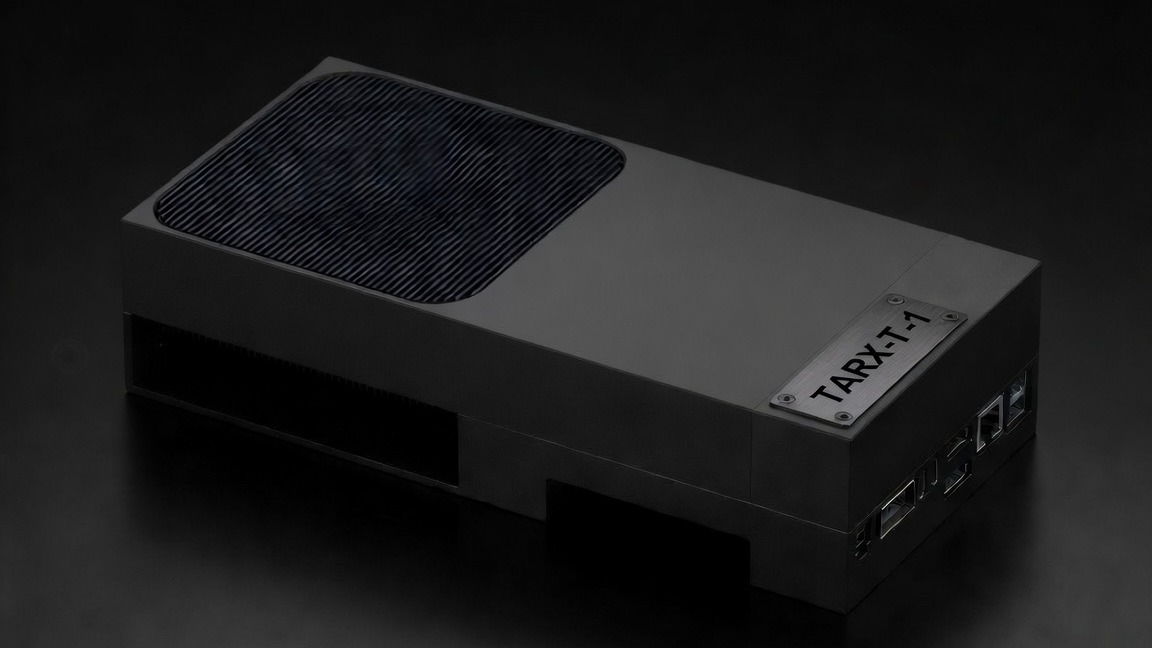
Developers Join on Apple silicon. T-1 is the bench Supercomputer to prove I/O before T-4, T-7, or T-70. Same approval. Same Evidence.
TARX_OS on computers you already own. Supercomputer hardware when the site needs dedicated NVIDIA.
Spaces and Memory stay on this computer. Remote MCP does not get them.
Discovery through the boundary. Not an invisible plugin bag.
T-1 Orin 64GB to shape the deployment. Not a production enclosure.
01
Join on Apple silicon. First-run stays local.
02
Do not send Spaces to a remote server.
03
The boundary is the product.
04
Then get a T-4, T-7, or T-70.
Local: npx @tarx/mcp on the same computer as TARX_OS. Remote: mcp.tarx.com for public-safe tools only.
No. Web lookup is labeled, Evidence-backed, and off until you opt in.
No. T-1 is the bench kit to shape T-4, T-7, or T-70.
No. TARX_OS is the runtime. MCP is how compatible clients meet approved tools.
Join the Supercomputer. Or own Private Hardware.
JOIN · TARX_OS
Give TARX superpowers.
TARX works privately on your computer. Connect to the Supercomputer when you want TARX to research the web, use more skills, and take on bigger jobs with deeper models. Supercomputer connection is in beta, and capacity is being qualified.
Join beta →OWN · TARX HARDWARE
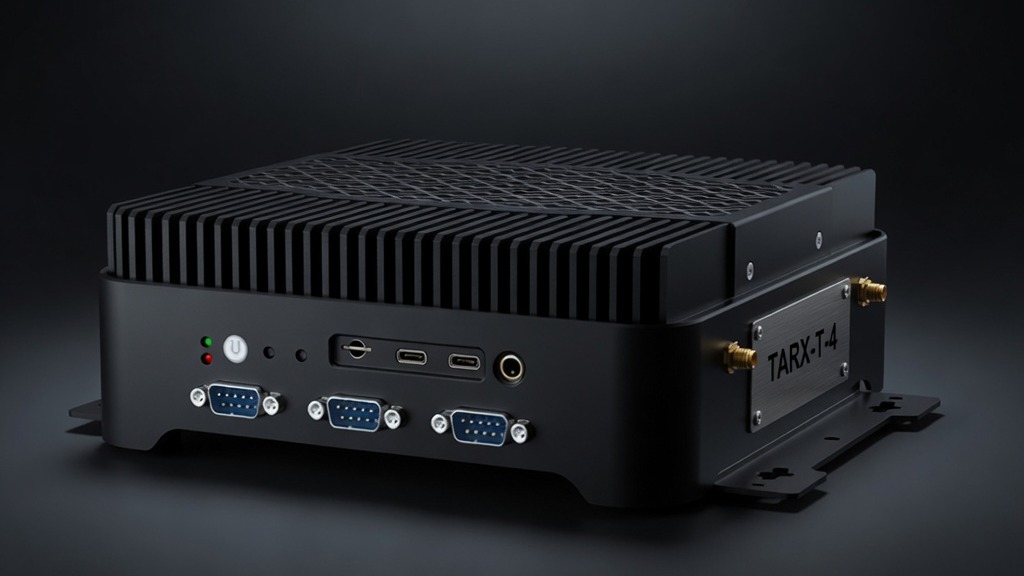
Want more power of your own?
Add TARX hardware for faster local work, dedicated capacity, or a private cluster.
Explore Private Hardware →TARX software is free. Size the Black Box for the people using it. Watch the math. Submit once.