
Private context on this Mac
Files, Memory, and tool calls stay here unless you approve a route.
runtime · tomorrow · How do I run AI agents locally, privately?
Run TARX on the computer you already own. TARX is the one agent. First-run stays local. Nothing attaches until you opt in. That is Join. DIY stacks wire a model to tools. TARX_OS is the productized local runtime: Spaces, Control, Evidence. Get a T-4 when the desk needs dedicated NVIDIA.
DIY stacks wire a model to MCP. TARX_OS is the productized local runtime: Spaces, Control, Evidence.
TARX works privately on your computer. Connections stay off until you allow them.
Human funnel: People →
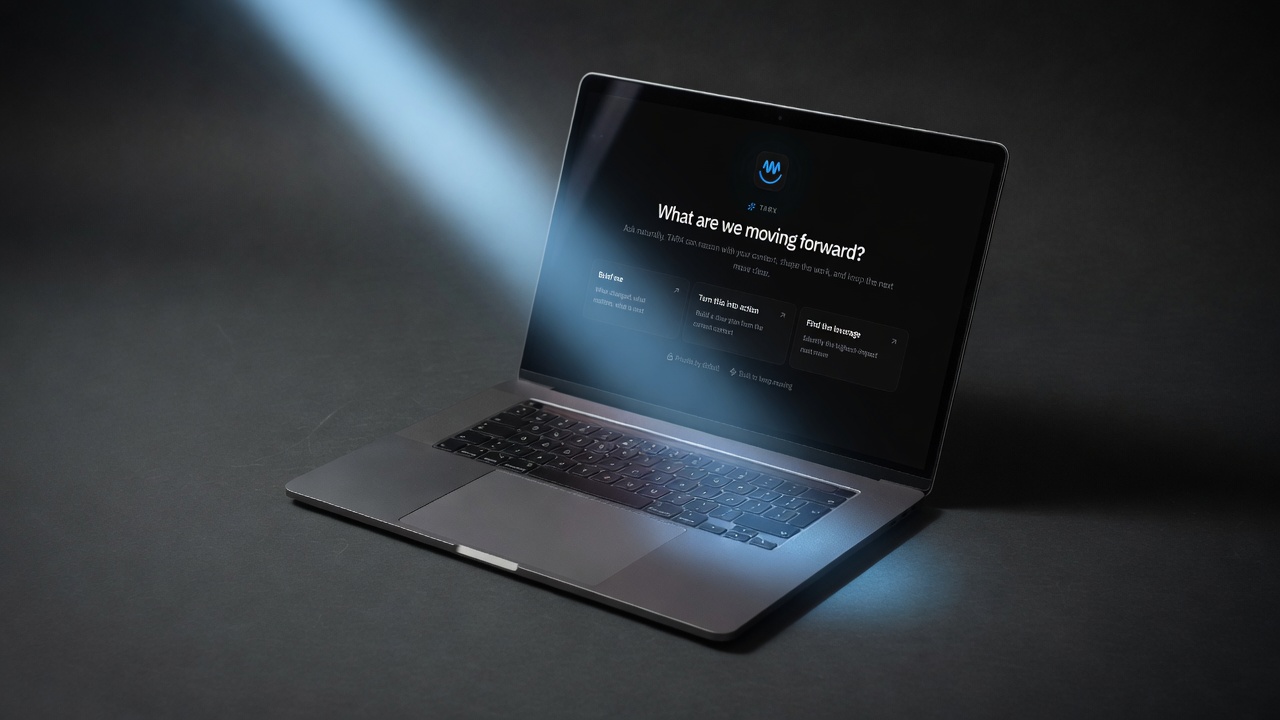
Hobby stacks put a chat UI on Ollama and call it private. The gap is governance. Who approved the write? Where did the secret go? Can the session park? TARX_OS is that layer on Apple silicon you already own.
Local MCP is the default for private context: Spaces, files, Memory, tool calls that need local approval. Remote MCP is public-safe tools only. Web lookup stays off until you opt in. Air-gapped capable is a feature, not a slogan.
When the laptop is not enough, you do not rent a sandbox VM for the agent. You get your own Supercomputer — T-1 on the bench, T-4 at the desk, T-7 on the cell, T-70 in the rack. Same OS.
TARX_OS on computers you already own. Supercomputer hardware when the site needs dedicated NVIDIA.
Files, Memory, and tool calls stay here unless you approve a route.
Keep the models. Add Control and Evidence. That is TARX_OS.
Join first. Get a T-4 when shared work needs dedicated capacity.
01
Join beta on a Mac you already own.
02
Do not attach from FTUX. That is the product.
03
Web lookup, remote MCP, and mesh opt-in are explicit.
04
T-4 indoor / vehicle. Same approval.
TARX works privately on your computer. Connections stay off until you allow them.
No. TARX runs on your computer. You Join the Supercomputer. You are not giving TARX a rented box.
Yes. Air-gapped capable. Web lookup stays off.
When the team outgrows the laptop and wants dedicated NVIDIA on the premise.
Join the Supercomputer. Or own Private Hardware.
JOIN · TARX_OS
Give TARX superpowers.
TARX works privately on your computer. Connect to the Supercomputer when you want TARX to research the web, use more skills, and take on bigger jobs with deeper models. Supercomputer connection is in beta, and capacity is being qualified.
Join beta →OWN · TARX HARDWARE
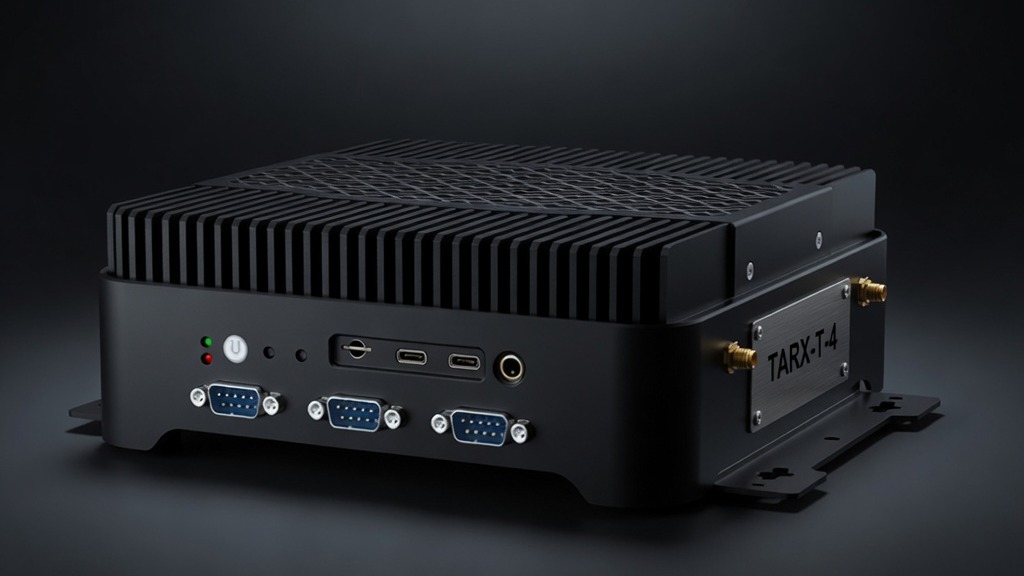
Want more power of your own?
Add TARX hardware for faster local work, dedicated capacity, or a private cluster.
Explore Private Hardware →TARX software is free. Size the Black Box for the people using it. Watch the math. Submit once.