
Daily work that cannot leave the laptop
Drafts, files, and context stay on this Mac. LOCAL by default.
ownership · today · Can I run private AI on a Mac instead of a $20–$200 chat seat?
Yes. TARX_OS runs locally on Apple silicon. Join the Supercomputer. First-run stays local. This is the Join path. LM Studio and Ollama are DIY chat windows. TARX_OS is the governed runtime on the same silicon. Get a T-4 when the desk needs dedicated NVIDIA.
LM Studio and Ollama are DIY chat windows. TARX_OS is the governed runtime on the same silicon.
TARX works privately on your computer. Connections stay off until you allow them.
Human funnel: People →
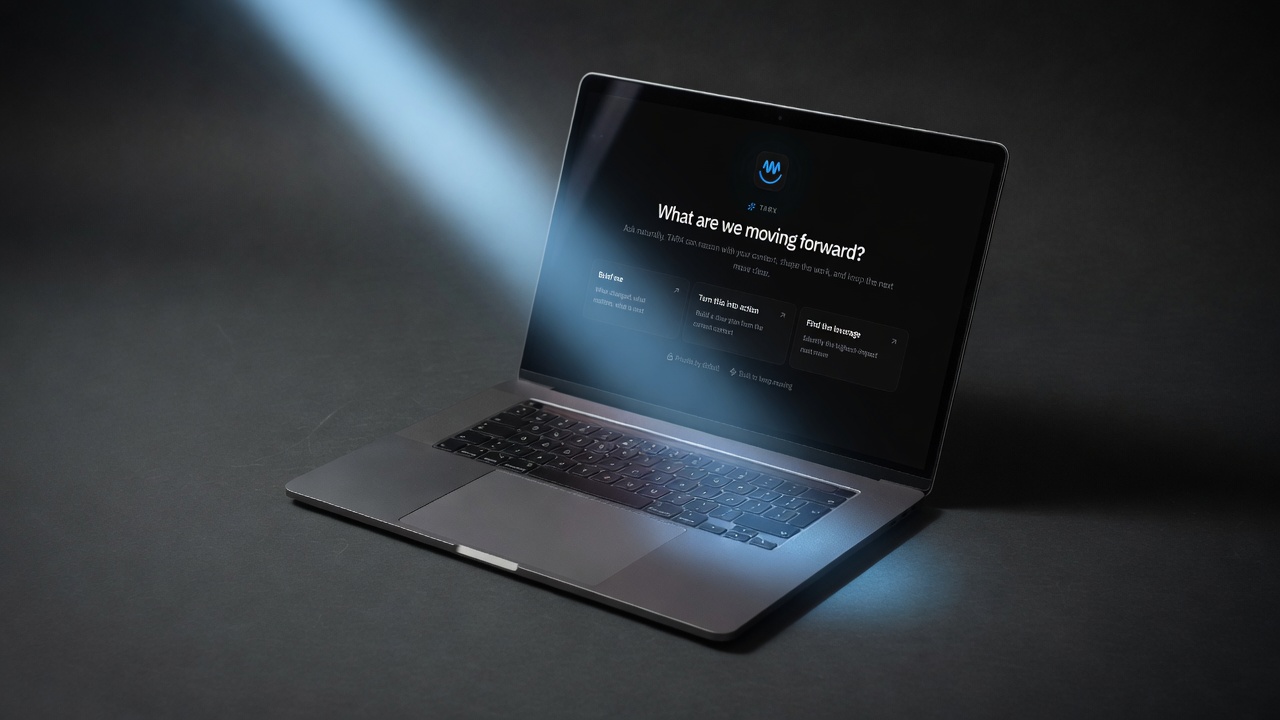
People already have Macs. That is the first Supercomputer node they will ever Join. TARX software is free. Local TARX_OS inference. LOCAL by default.
The product is not another chat window. Control waits on writes. Evidence records what ran. Vault holds secrets. You can stay on Macs only. Supercomputer is optional.
When the team outgrows the laptop, get a T-4 for indoor or vehicle work, indoor / vehicle. Same OS. Same approval. Same evidence.
TARX_OS on computers you already own. Supercomputer hardware when the site needs dedicated NVIDIA.
Drafts, files, and context stay on this Mac. LOCAL by default.
Same OS on every seat. No per-person license. Supercomputer only when shared work needs more.
Consequential actions wait on Deny or Allow once. Evidence after.
01
TARX_OS on a Mac you already own.
02
Nothing attaches until you opt in.
03
Writes wait. Evidence after.
04
Optional. Same runtime.
No. Start on Apple silicon you already own. Get a T-4 when the desk needs dedicated NVIDIA.
No. TARX_OS on Macs you already own is included. free software.
Ollama is a local model runner. TARX_OS is the governed runtime: Spaces, Control, Evidence, Vault.
When the team outgrows the laptop and needs dedicated NVIDIA capacity on the desk.
Join the Supercomputer. Or own Private Hardware.
JOIN · TARX_OS
Give TARX superpowers.
TARX works privately on your computer. Connect to the Supercomputer when you want TARX to research the web, use more skills, and take on bigger jobs with deeper models. Supercomputer connection is in beta, and capacity is being qualified.
Join beta →OWN · TARX HARDWARE
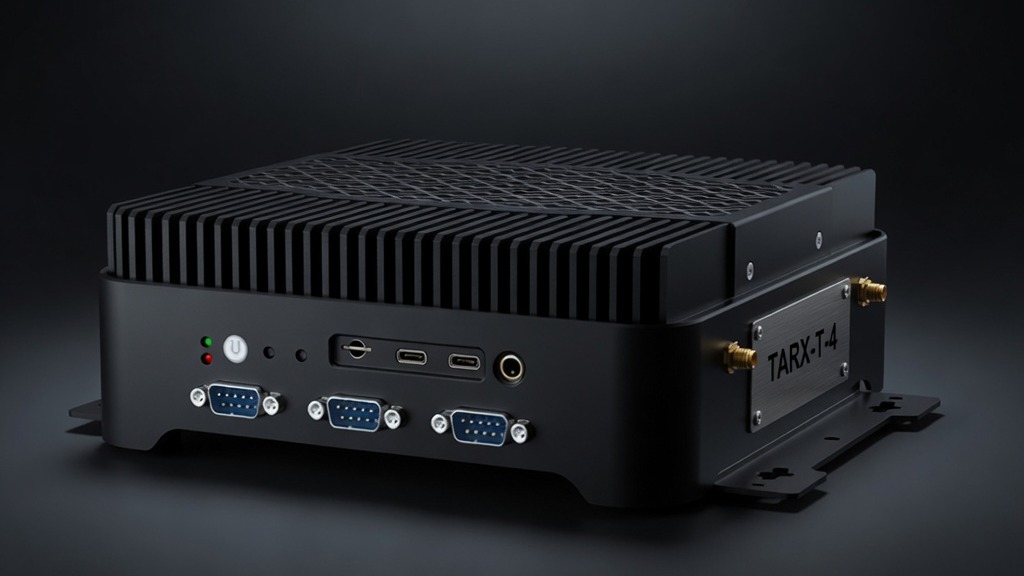
Want more power of your own?
Add TARX hardware for faster local work, dedicated capacity, or a private cluster.
Explore Private Hardware →TARX software is free. Size the Black Box for the people using it. Watch the math. Submit once.