
Pick-and-place next to the arm
Vision and control stay on the cell. No rented hop in the loop.
deployment · tomorrow · Where should robot-cell inference run?
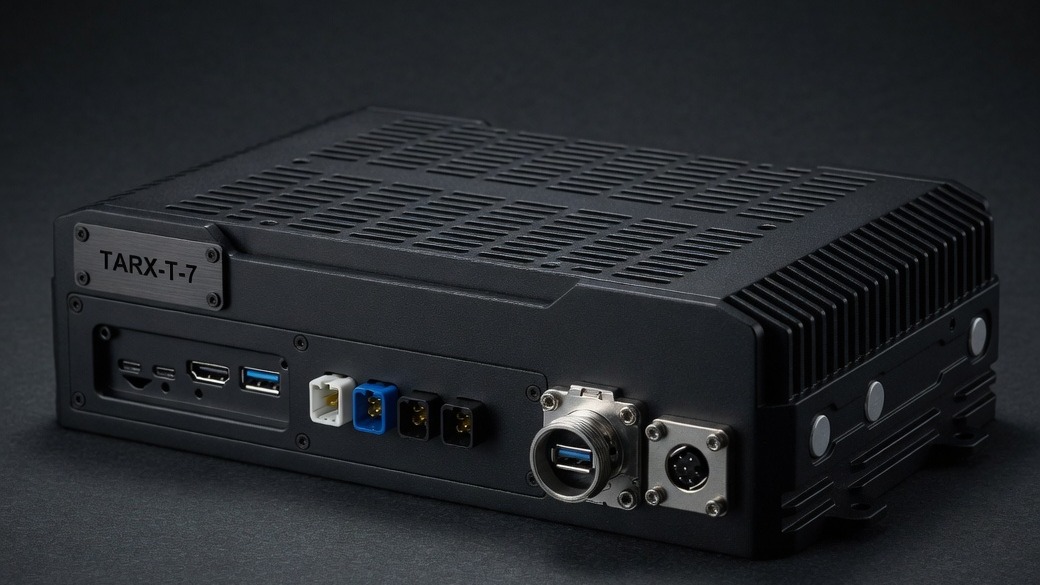
On the cell. TARX_OS first. T-7 Supercomputer for the cell or humanoid. IP65. Nothing attaches from first-run setup. Milliseconds, not a round trip. Video and weights stay on the floor. Join on the computers already in the program, or get a T-7 when the cell needs dedicated NVIDIA and field I/O.
Milliseconds, not a round trip. Video and weights stay on the floor.
TARX works privately on your computer. Connections stay off until you allow them.
Human funnel: Robotics →
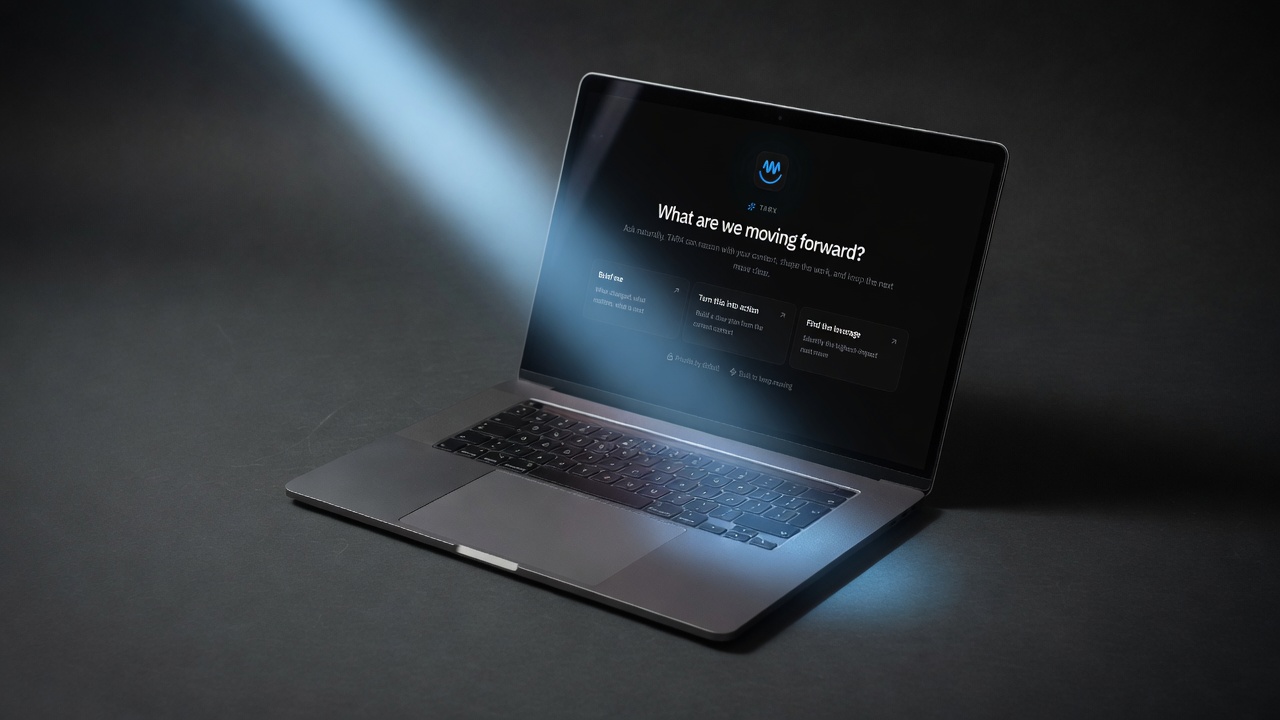
A robot cell that calls the cloud is a latency product and a leak. Inference belongs next to the arm. TARX_OS is the approval model. T-7 is the local brain: IP65, GMSL2 cameras, the cell, including Macs already on the floor.
Nothing attaches from first-run setup. A dark cell is a valid deployment. T-4 is indoor / vehicle — the wrong enclosure for the floor. T-7 is the field box.
Pick-and-place, humanoid weights, closed-loop control: same OS as the desk. Same Evidence. That is how TARX works in this sector.
TARX_OS on computers you already own. Supercomputer hardware when the site needs dedicated NVIDIA.
Vision and control stay on the cell. No rented hop in the loop.
Local TARX_OS inference. Same OS as the desk. Same approval.
Disconnected capable. Attach is not claimed from first-run setup.
01
TARX_OS first.
02
No cloud in the control path.
03
IP65. GMSL2. Not T-4.
04
A dark cell is allowed.
No. Nothing attaches from first-run setup.
The cell needs field I/O and the IP65 enclosure. T-4 is indoor / vehicle.
No. Video and weights stay on the floor.
No. We do not claim a live mesh.
Join the Supercomputer. Or own Private Hardware.
JOIN · TARX_OS
Give TARX superpowers.
TARX works privately on your computer. Connect to the Supercomputer when you want TARX to research the web, use more skills, and take on bigger jobs with deeper models. Supercomputer connection is in beta, and capacity is being qualified.
Join beta →OWN · TARX HARDWARE
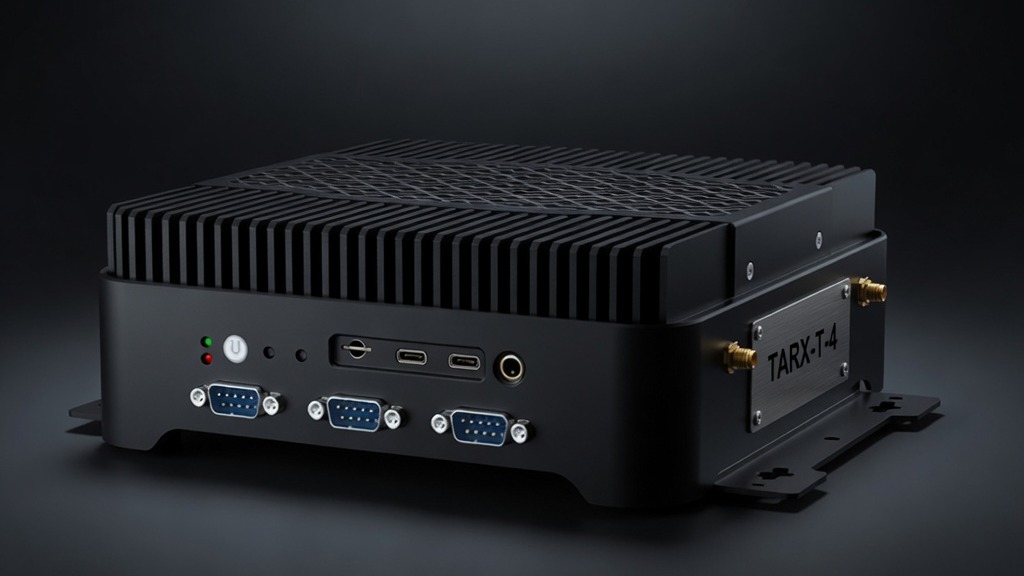
Want more power of your own?
Add TARX hardware for faster local work, dedicated capacity, or a private cluster.
Explore Private Hardware →TARX software is free. Size the Black Box for the people using it. Watch the math. Submit once.